AutoDesk Courses Cape Town.
Questions to ask yourself about AutoDesk Courses Cape Town.
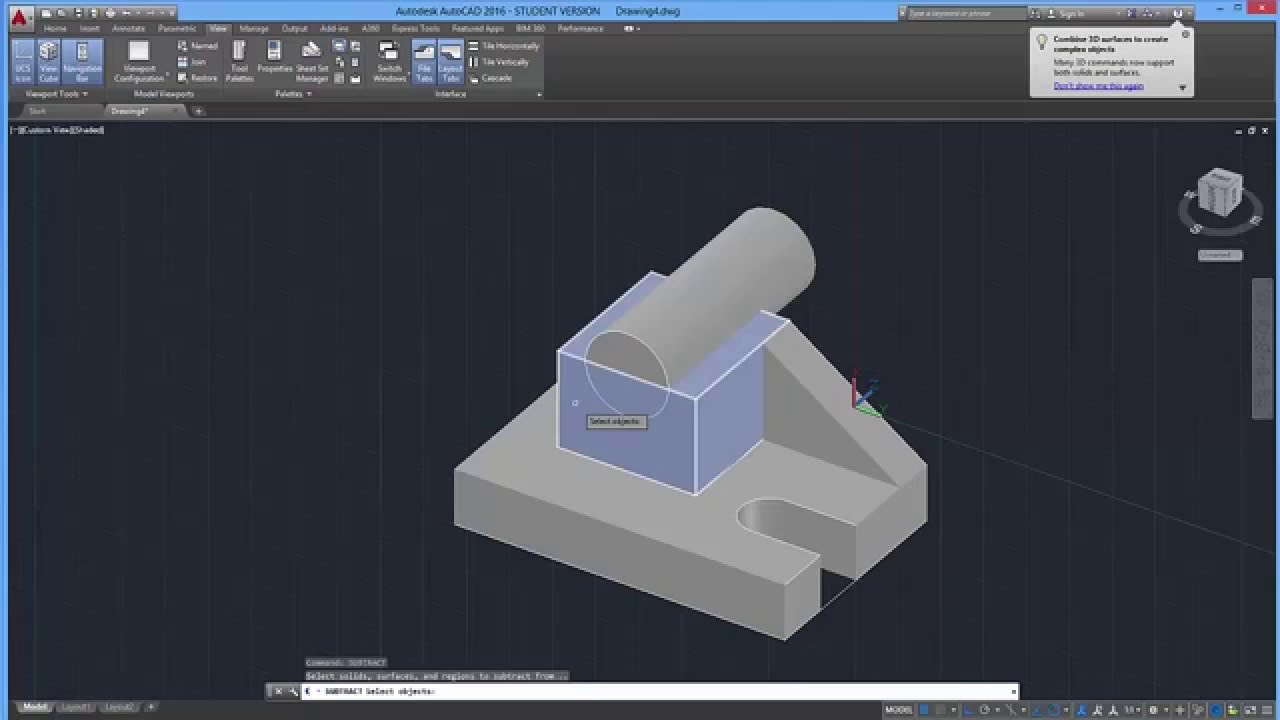
Why AutoCade? – AutoCAD is a popular Computer Aided Design (CAD) programme used extensively in industry to complete drawing projects in any discipline. Thus the objective of the course is to introduce the student to AutoCAD 3D concepts. Not to mention create 3D models using commands and design tools.
Is what you learn relevant and of value? – Definitely yes and it’s current and you learn from experienced AutoCad lecturers.
After the course you can you get a job in the:
All in all the Construction Industry. i.e civil engineering – road construction, building construction
Not to mention Municipalities and Government Institutions.
Overall the Architectural Industry – planning, blueprints, design elements
Including Interior Design – interior design elements, floor plans etc
And any Engineering Field.
About the AutoCad Course.
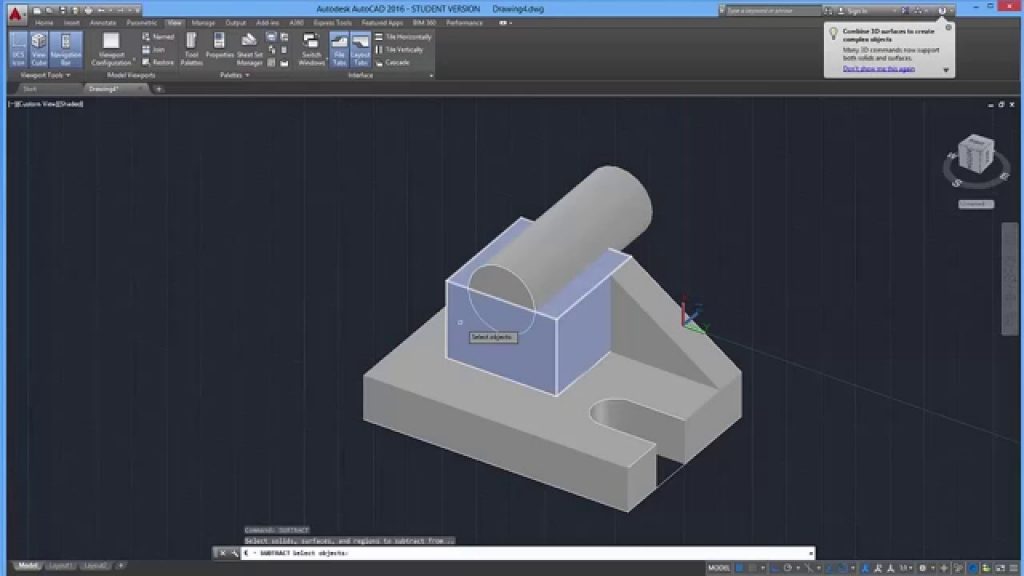
AutoCAD is a commercial computer-aided design (CAD) and drafting software application. Not to mention it was developed by Autodesk.
Overall AutoCAD is used across a wide range of industries, by architects, project managers, engineers, graphic designers, and many other professionals.
Source: Wiki AutoCad
Part-Time
Fast forward your career in the Engineering, Interior Design or Architectural industry with a part-time course at School Of IT. Part-time courses allow you as a working professionals to transition into a new skill set while working. In turn at School Of IT we are agile and customize a course to the individual.
Full Time
Ready to start a career in Planning, Engineering, Interior Design or Architectural planning? Create 3D designs as a full time student at School Of IT.
High School
Create 3D designs and prepare for the future while you’re still in high school.
Corporate
Learn AutoCad and up skill yourself or your company by while you’re working.
Intro to AutoCad Course Info:
Overall learn basic 3D concepts
all in all create surfaces and 3D modelling.
In addition create solid primitives
Not to mention understand the UCS and setting up efficiently.
Overall create composite solids and models from 2D profiles.
In turn use visual styles, lighting, materials and the sun.
Including rendering.
All in all create and edit in viewport, including animations
Not to mention paper space and overall plotting
View the AutoCad Software Package
Enroll today for a short course in AutoCad through School Of IT